


Mimestream 1.10 has been released
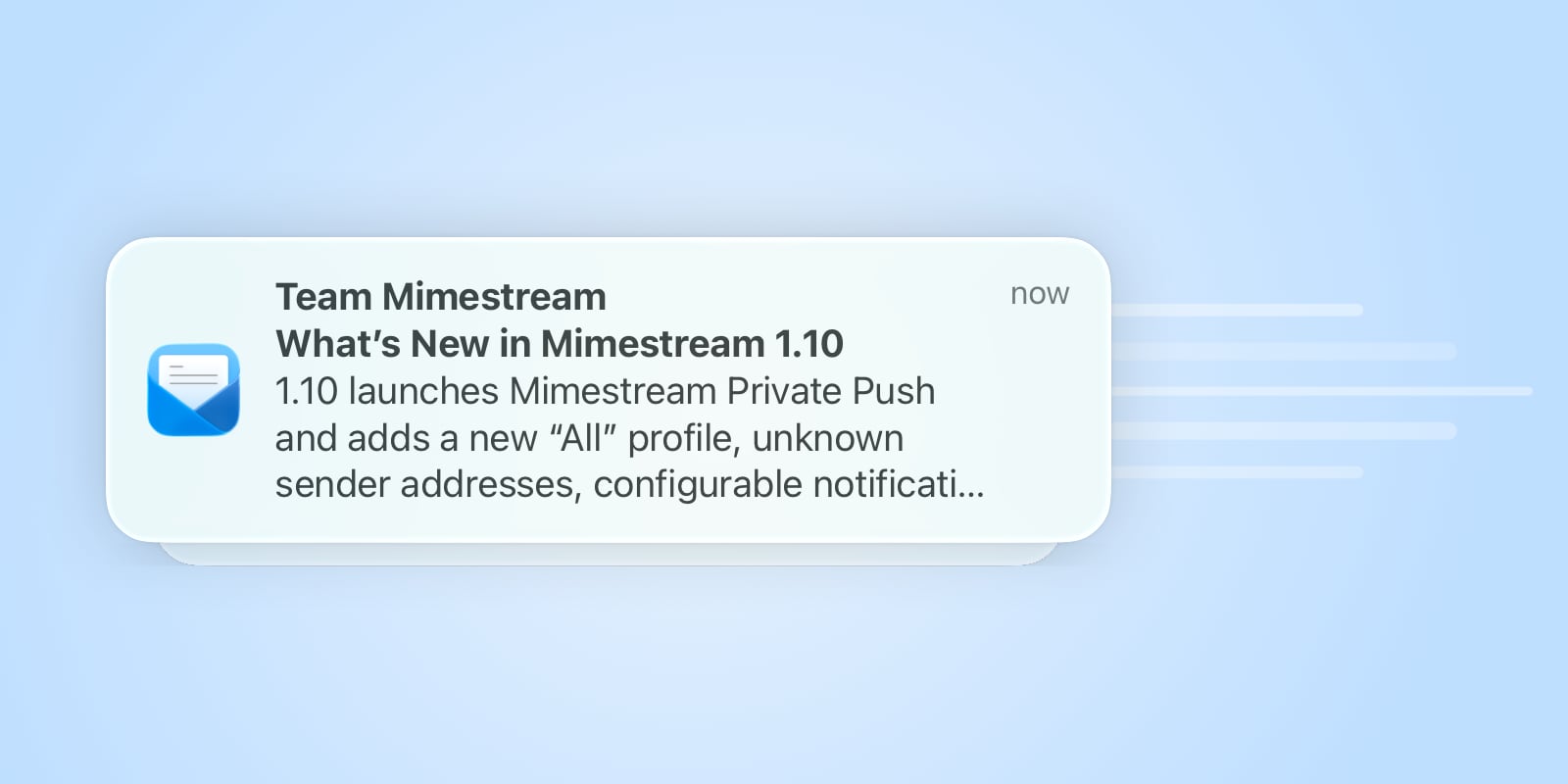





In today’s update, we’re excited to share what’s new in Mimestream 1.10!
Lightning-fast notifications with Mimestream Private Push
 Get lightning-fast notifications of new email with Mimestream Private Push, now enabled by default on macOS 26 and later. Its privacy-focused architecture means our service never receives your Google OAuth credentials and cannot read your email or see message content.
If an account needs to be upgraded, open Settings and Mimestream will guide you through it. Learn more about Private Push in our Trust Center.
Optional “All” profile
 Mimestream has always let you choose between seeing all of your accounts in a unified inbox or keeping them separated with profiles. With the new optional “All” profile, you can do both: keep your profiles organized and switch to “All” whenever you want a unified view.
See addresses for unknown senders
 Messages from unknown senders now show the sender’s full email address alongside their name, making it easier to see who’s writing.
Configurable notification banner action
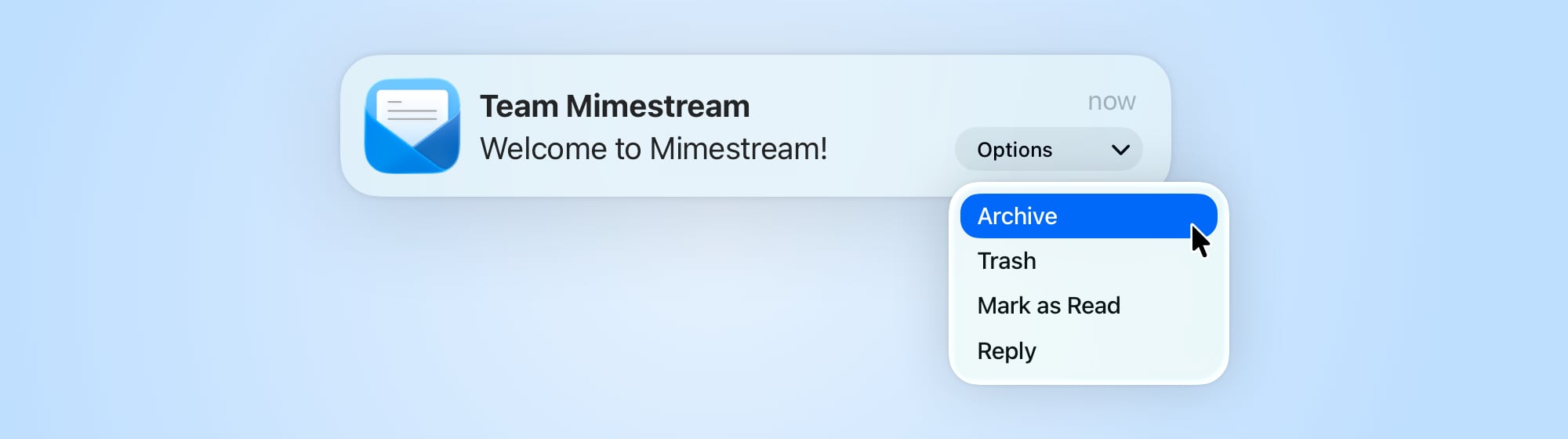 Choose the default action for notification banners, including Archive, Trash, or a menu of options.
Other improvements
Mimestream 1.10 also includes:
- Stronger tracking prevention: Blocks additional techniques senders use to learn when and how you read a message.
- More reliable message lists: Resolves longstanding consistency issues when Adaptive Cache Management is enabled.
- Larger text options: Supports even larger text sizes in Settings.
- Faster performance: Reduces CPU and memory usage across common workflows.
- Additional fixes: Bug fixes for unread counts, search, attachments, drafts, notifications, and more.
For a full overview of everything in Mimestream 1.10, see the release notes.