


Mimestream for iPhone and iPad
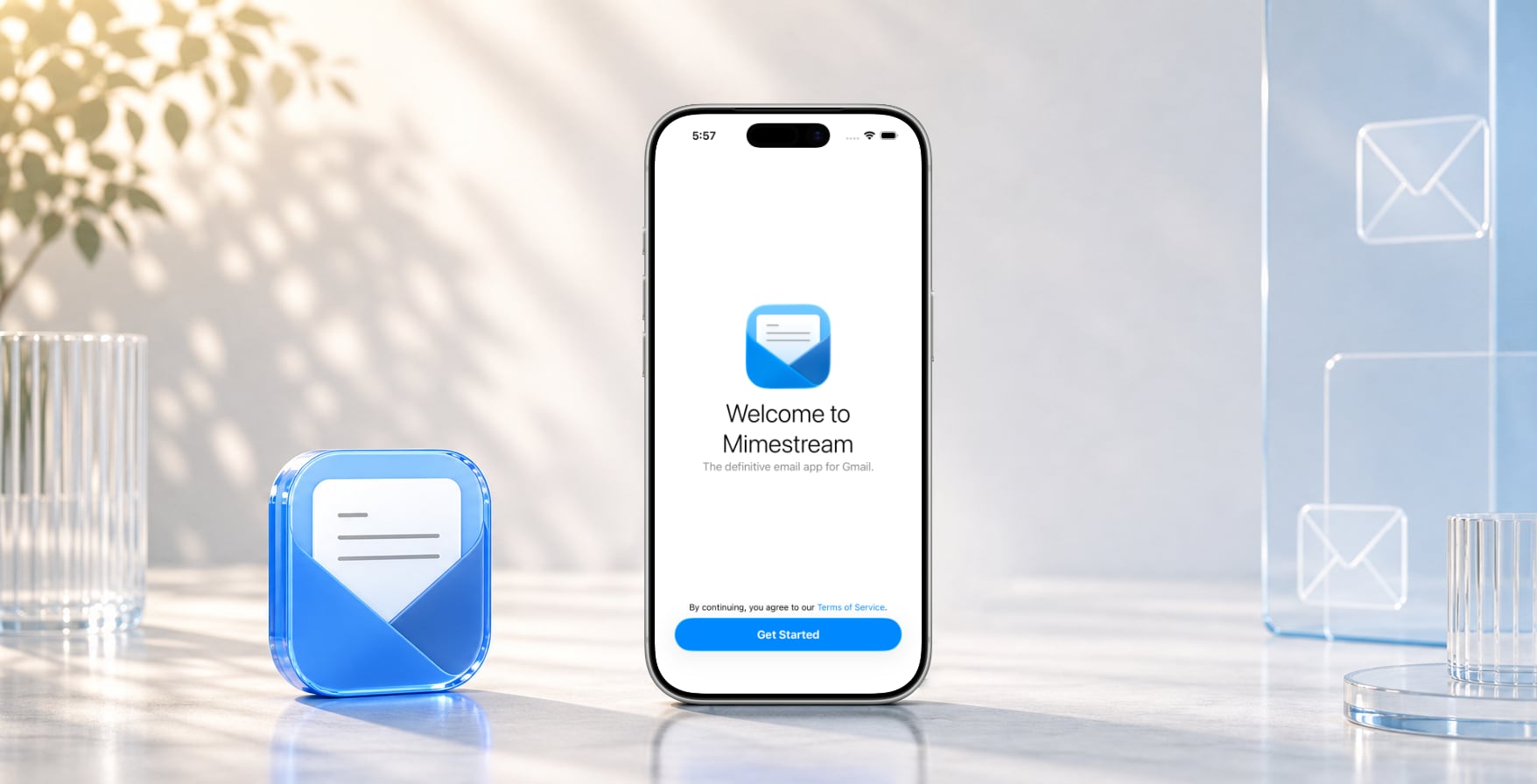
Our #1 user request since launch is here. Bring the experience you love on Mac to your iPhone and iPad, and try it through TestFlight before it arrives on the App Store.
Who can join?
The beta is open to subscribers who meet these requirements.
-
Active plan that’s set to renew
Members of a group plan are covered by their group’s plan.
-
At least six months paid
Months from past plans count too. Annual plans qualify right away.
-
iOS 26 or later
On each iPhone or iPad where you’d like to use Mimestream.
-
Spots available
Capacity is limited. If the beta is full, spots open up as testers leave.
Log in to your Mimestream account and choose iOS Beta in the sidebar.
FAQs
What is TestFlight?
TestFlight is Apple’s app for installing beta apps, like a separate App Store just for betas. The Mimestream beta can only be installed through it, so get TestFlight from the App Store on each iPhone or iPad you’d like to use. Once you accept the invitation, Mimestream appears in TestFlight on any device signed in to the same Apple Account.
Can I join during my free trial?
Your plan counts toward the beta once your first payment goes through. With an annual plan, you can join right away after that.
What if the beta is full?
TestFlight limits how many people can join a beta. When the beta is full, spots open up as testers leave, so please check back on the iOS Beta page in your account.
TestFlight is asking for a code
There’s no code for the Mimestream beta. Open the invitation email from Apple on the iPhone or iPad where TestFlight is installed, tap View in TestFlight, then tap Accept to add Mimestream to TestFlight.
I didn’t get the invitation email
Apple sends it from testflight_no_reply@email.apple.com to your Apple Account, which may be different from your Mimestream email. Check your Spam folder and give it a few minutes. If it still hasn’t arrived, click Resend Invitation on the iOS Beta page in your account.
Mimestream says the beta has expired
Each beta build expires after 90 days. Open TestFlight and install the latest build. Turn on Automatic Updates for Mimestream in TestFlight to stay up to date.
How long can I stay in the beta?
As long as your plan is active and you keep using Mimestream on your iPhone or iPad. To make room for others, testers are removed automatically if their plan ends, or if they haven’t used Mimestream on an iPhone or iPad in 90 days. You can join again anytime you’re eligible.
When will Mimestream be on the App Store?
We’re working hard to bring Mimestream for iOS to the App Store as soon as we can. Feedback from beta testers is helping us polish the app for its public release. Keep an eye on our blog for news.
Still need help? Email us at support@mimestream.com.